
KaiwaLog (formerly Transcribe Audio)
Record, transcribe, and tell speakers apart
Record, transcribe, and tell speakers apart
KaiwaLog transcribes your recordings and audio files on your iPhone or iPad. Telling speakers apart, reviewing and editing, and sharing all happen in one app. It suits meetings, interviews, lectures, and reporting.
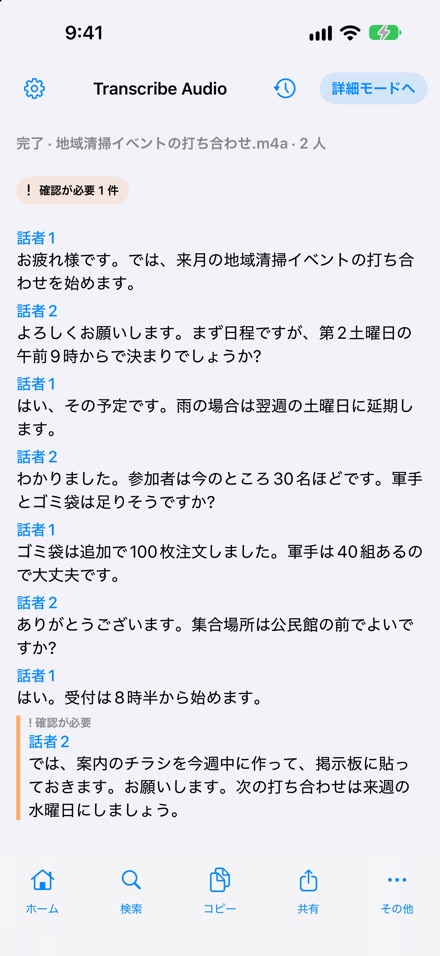
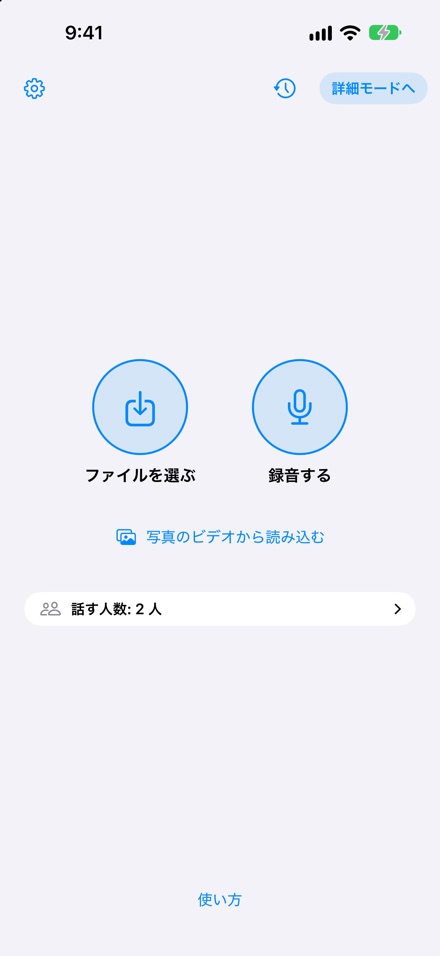
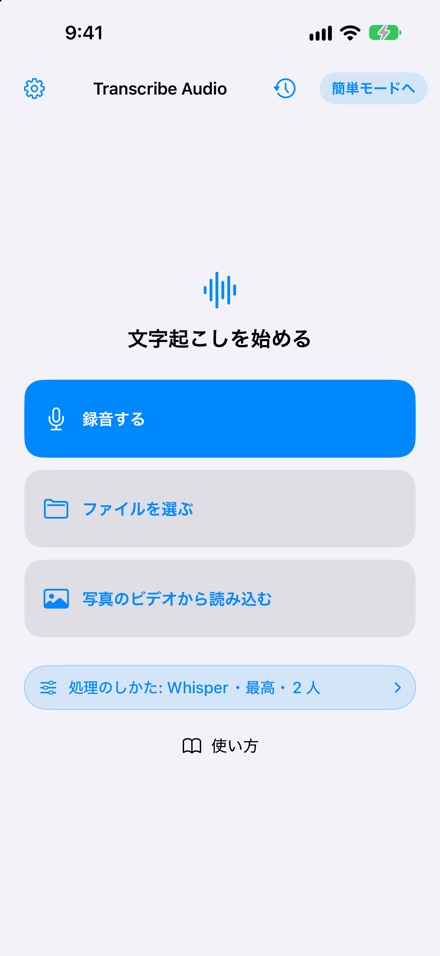
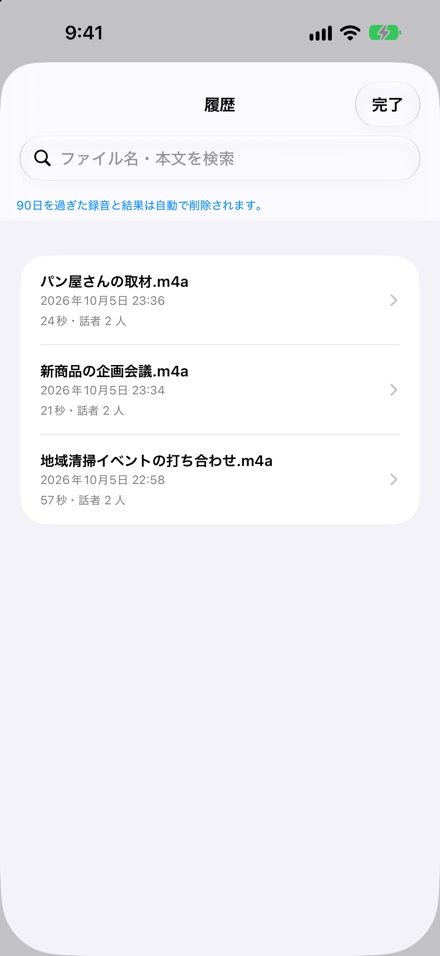
The screens above show the Japanese display. The app also displays in English.
Record on the spot, or import an audio file or a video (from the Files app or Photos), and the app transcribes it on your device. The speech recognition model is included in the app, and no sign-in is needed.
The transcript is split by speaker, such as “Speaker 1” and “Speaker 2” (choose 1, 2, or 3 or more people). Passages the app is unsure about are marked “Needs review”, so you can see right away what to check. You can rename speakers later.
Edit the text while replaying the original audio segment by segment. Search within the transcript, copy or share it, or export it as text or Markdown. Register names and terms in the dictionary to keep spellings consistent.
Recording continues while the screen is locked, and there is no limit on recording length. Whisper can transcribe audio up to 4 hours long, and speakers can be identified in audio up to 60 minutes long. On iOS 26 or later, text can appear while you record in Detailed Mode (live transcription).
Start in simple mode: two buttons, “Choose a file” and “Record”, and the only choice is the number of speakers. Detailed mode lets you choose the transcription method and quality.
Transcriptions stay in History and can be found by file name or text. Choose a retention period to clean up old recordings and results automatically. Lock the app with Face ID or similar.